
Khmer Karaoke Studio
Karaoke videos.
In perfect time.
ច្រៀងតាម គ្រប់ពាក្យ គ្រប់ចង្វាក់
Drop in a song, paste the Khmer lyrics, and every word lights up the moment it’s sung. Then export a video that’s ready to share.
For Mac and Windows.
Alignment
Every word.
Right on the beat.
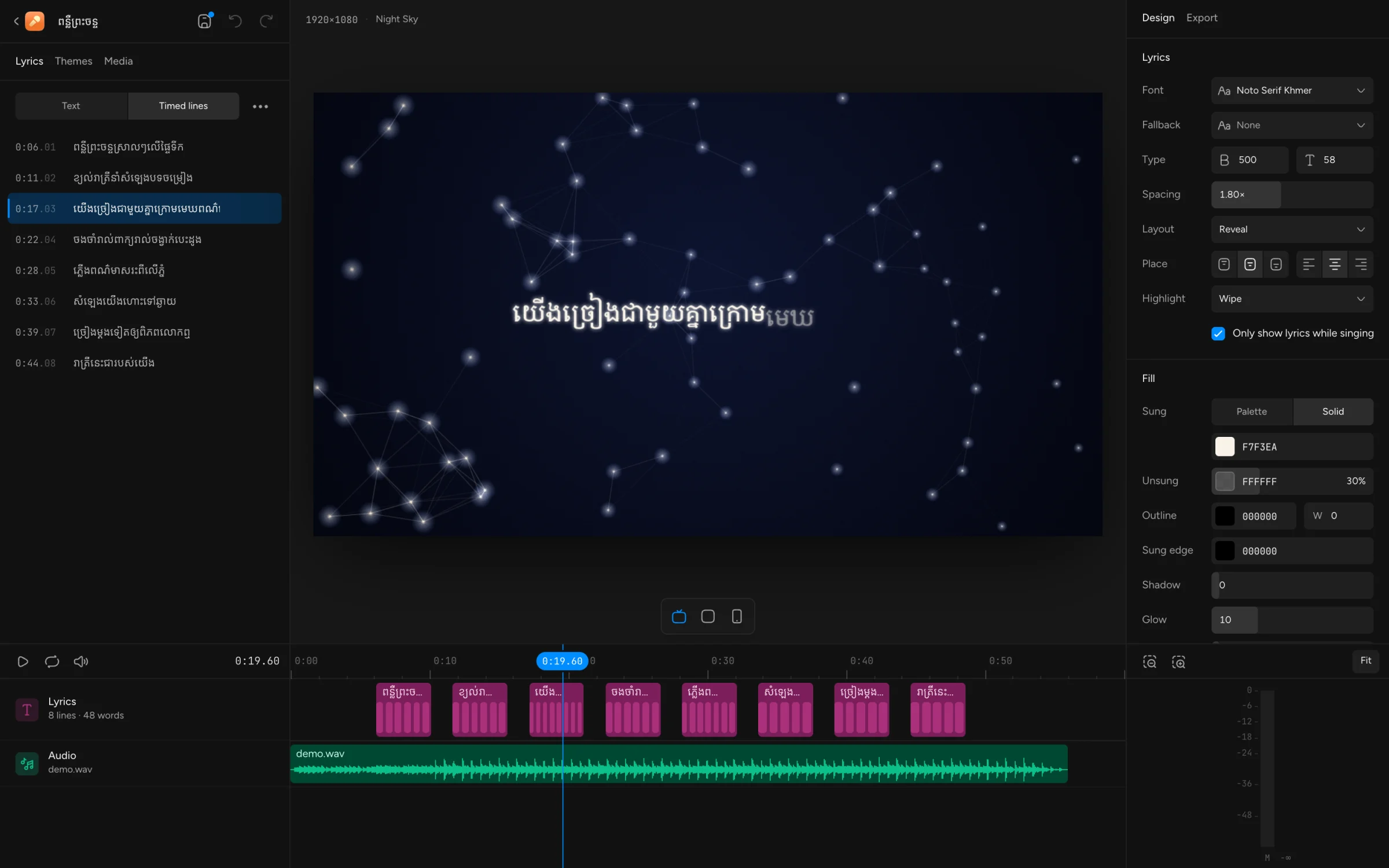
Khmer Karaoke Studio listens to the singer, not a stopwatch. It separates the vocals, then times each word to the voice, so the highlight follows the song instead of drifting off it.

Timing for every word, not just every line. Nudge any of it on the timeline.
Vocal separation and alignment run on your own computer. No uploads.
MP4 or WebM at 24, 30 or 60 frames per second.
Three steps.
That’s the whole thing.
1
Drop a song.
An audio file, or a music video to put the lyrics on.
2
Paste the lyrics.
One line per row. The words are timed to the voice for you.
3
Pick a look. Export.
Choose a theme, tweak it if you like, and save the video.
Themes
28 looks.
One click each.
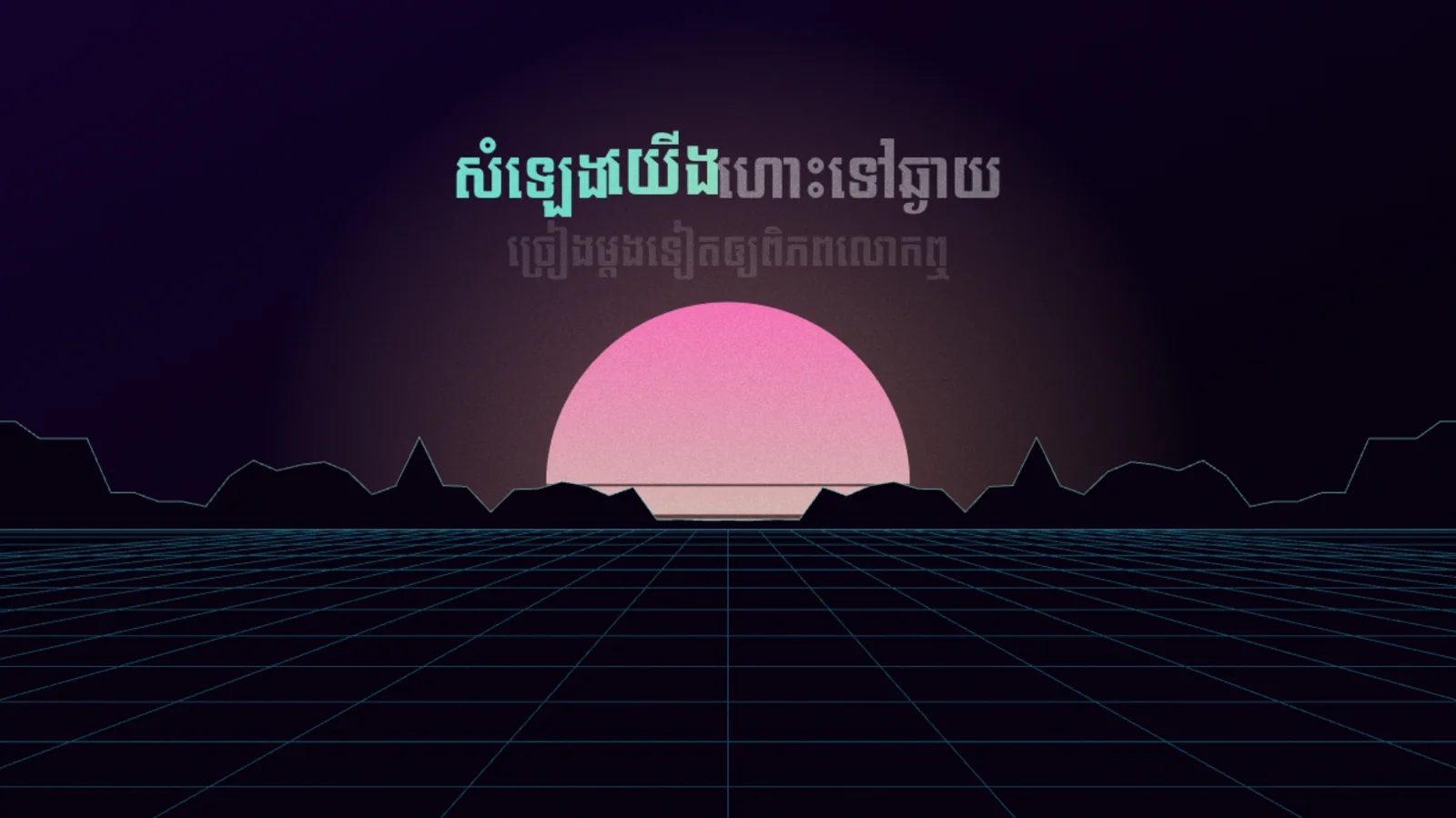
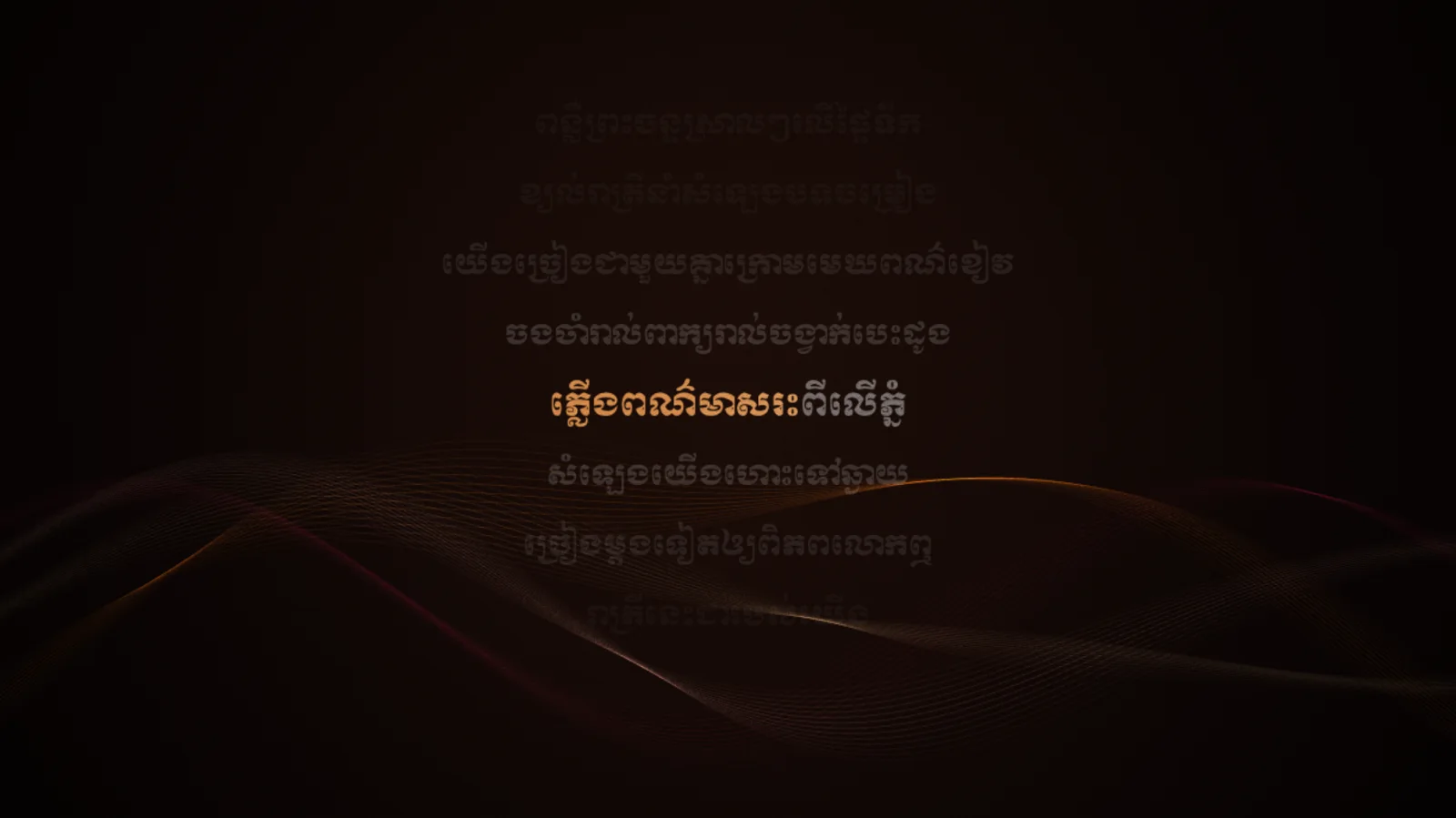
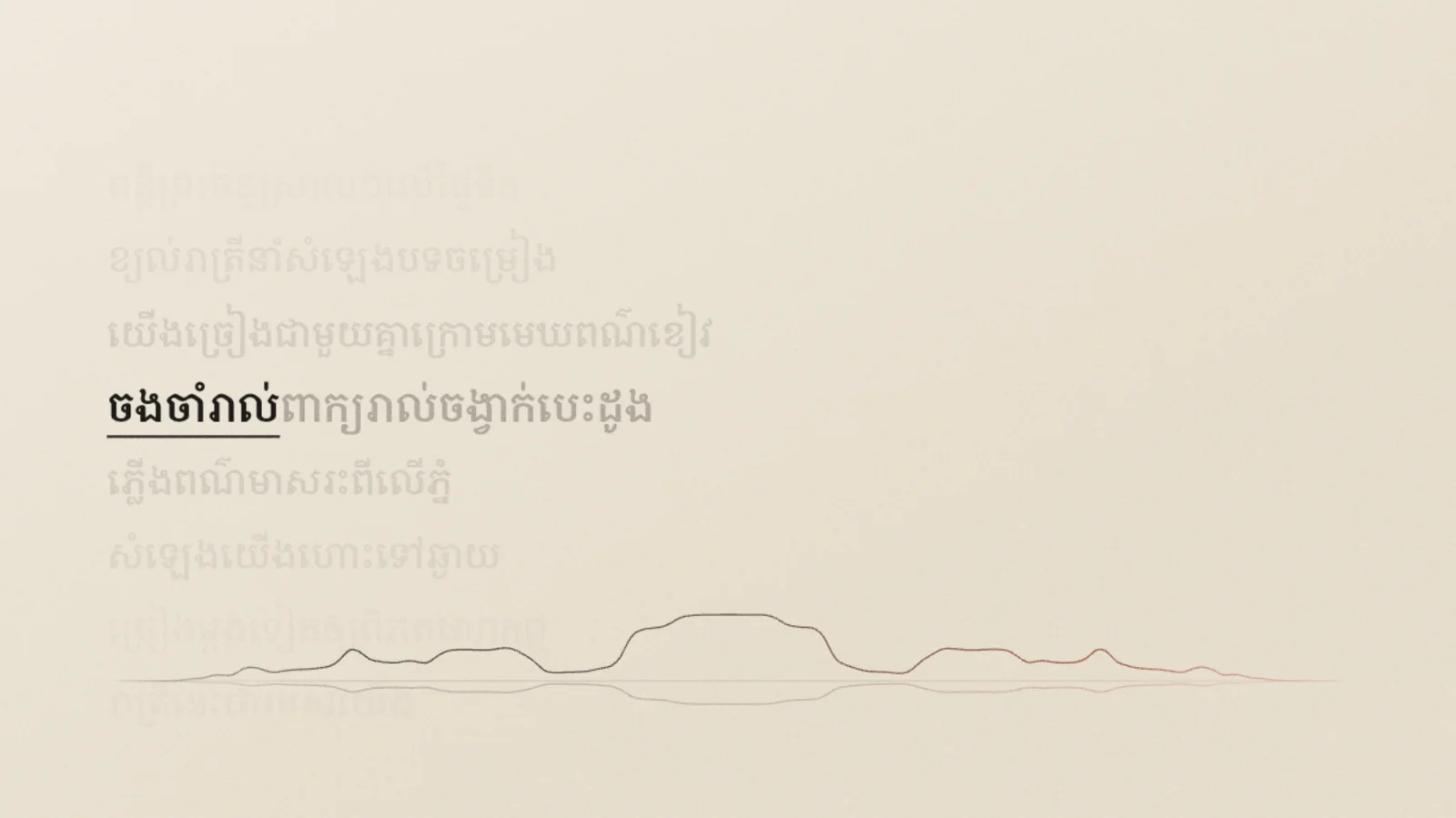
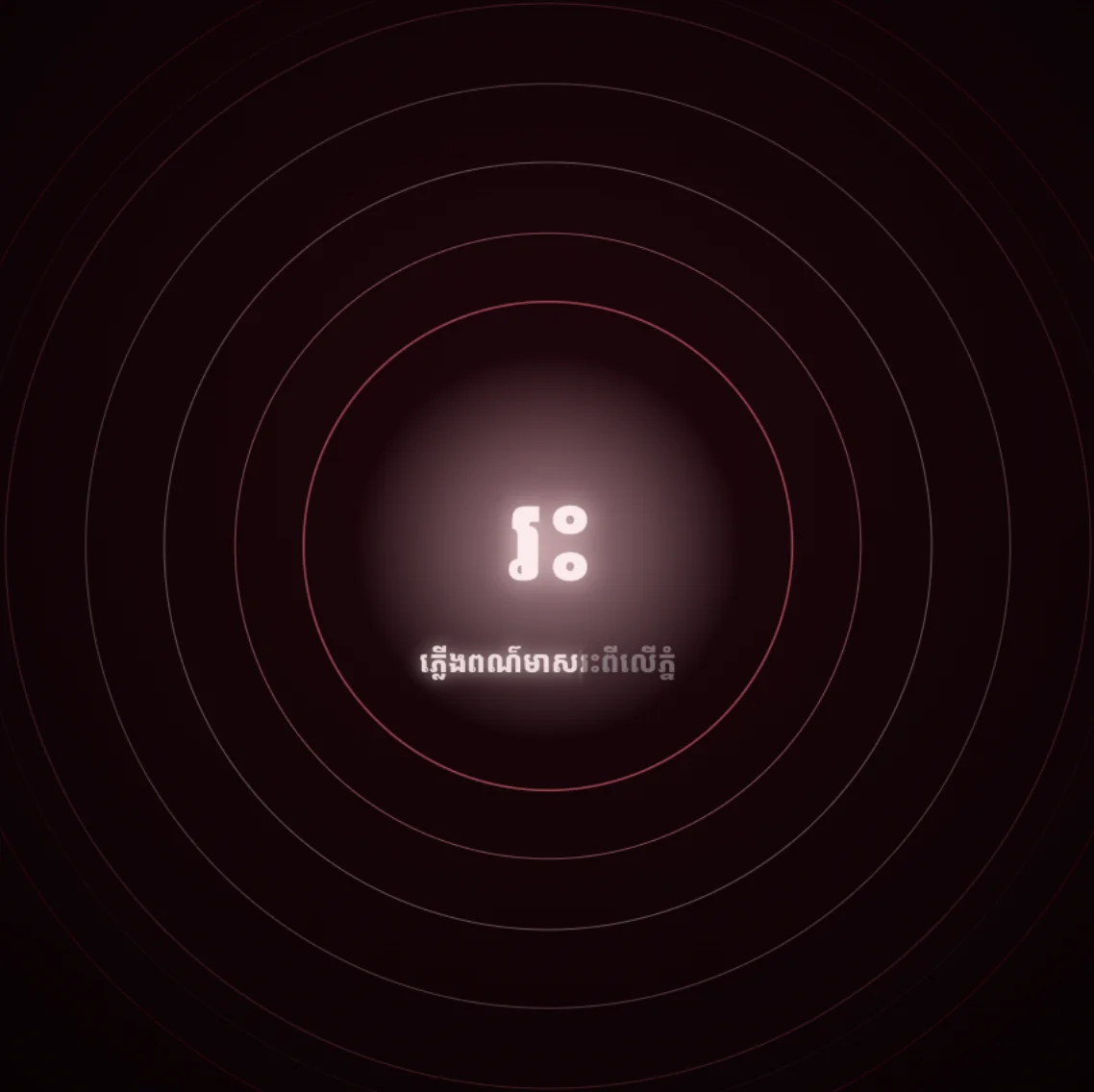
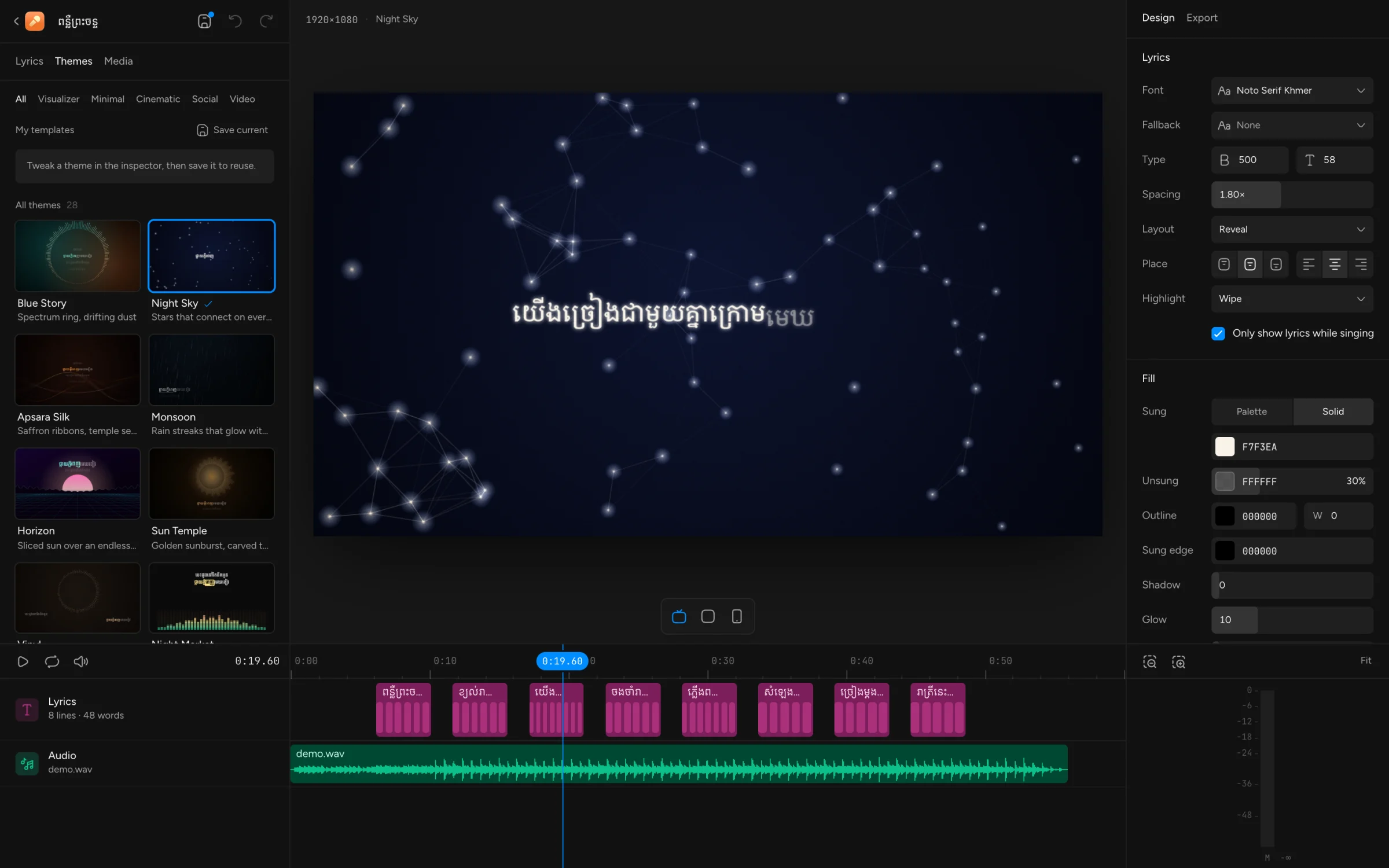
Visualizers that move with the music, quiet editorial type, cinematic subtitles and classic VCD karaoke. Every one is a starting point you can make your own.
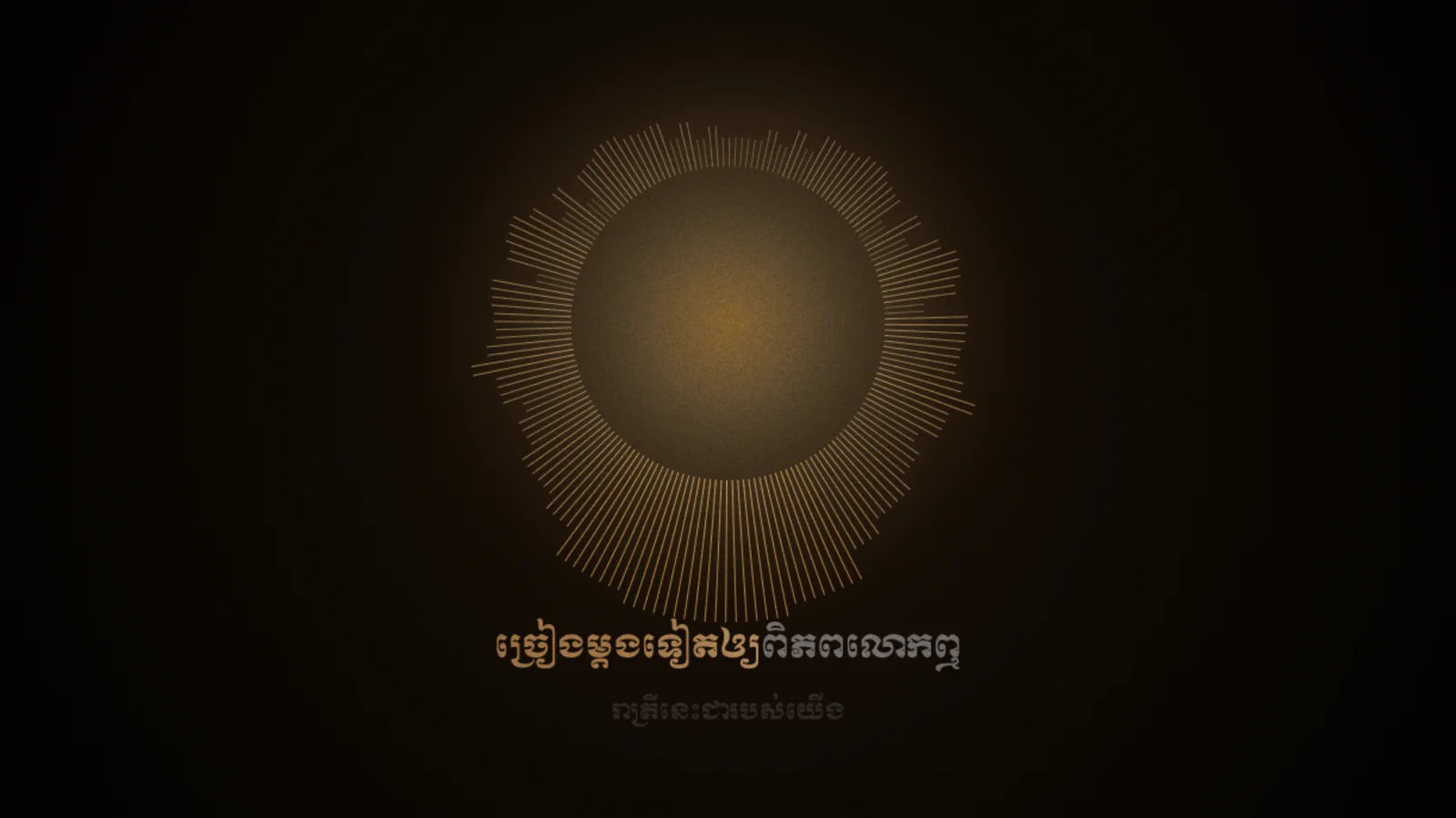
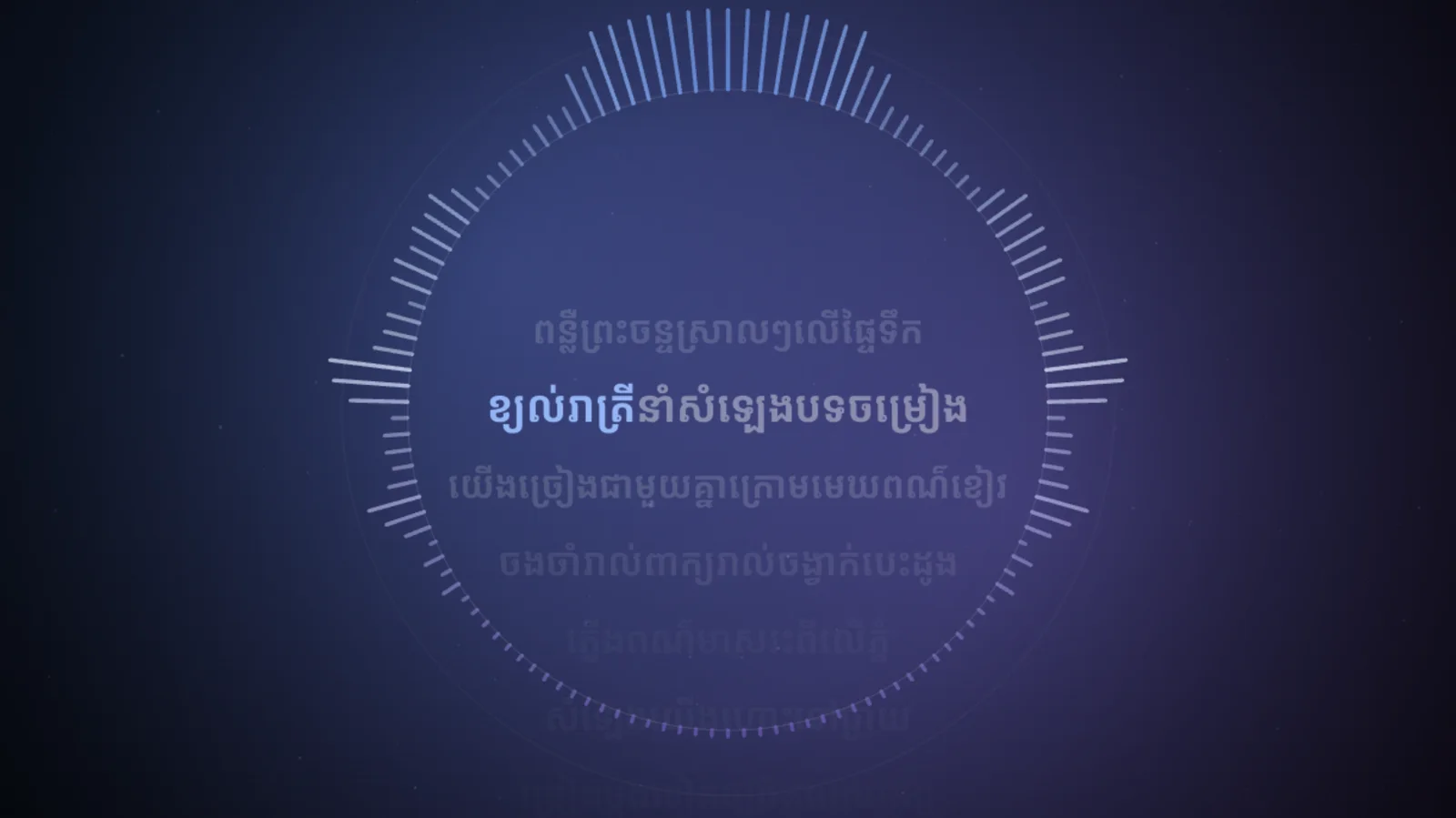
Every screen
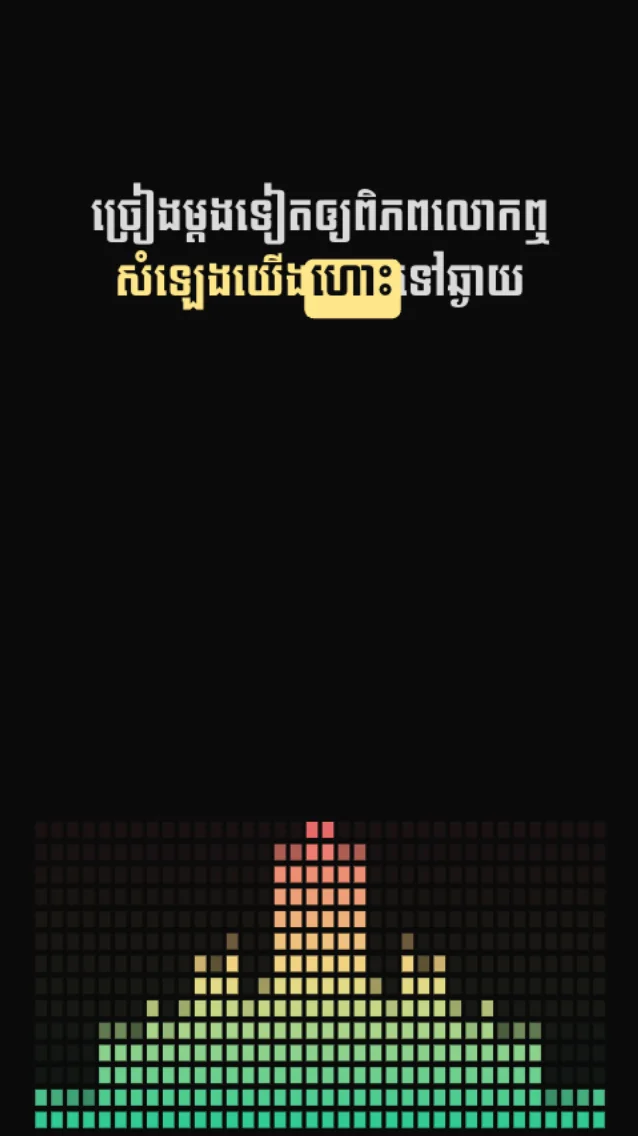
Landscape for YouTube.
Portrait for TikTok.
Switch between 16:9, 1:1 and 9:16 at any time. The lyrics, visualizer and layout reflow to fit.
Features
Everything a karaoke
video needs.
Vocal separation
Split any song into vocals and background. Export a sing-along track, or turn the voice down while you practise.
Your fonts
Khmer fonts built in, plus every font installed on your computer. Sizes, colours, outlines and glow.
Romanization
Add a Latin line under the Khmer so everyone can sing along. Edit any word you’d spell differently.
Lyrics over video
Bring a music video and put timed lyrics on top, VCD style, with a bouncing ball if you like.
Karaoke L/R audio
The classic two-channel mix: background on one side, vocals on the other.
One project file
Save the song, stems, lyrics and style in a single file. Send it to a friend and pick up where you left off.
Your music stays
on your computer.
Separating vocals, timing the words and rendering the video all happen on your Mac or PC. Your songs are never uploaded.
Pricing
Free to make.
Pro to publish.
Every feature for making a video is free. Pro removes the watermark and unlocks full resolution and audio export.
Free
$0
Forever
- Word-by-word alignment
- Vocal separation
- All 28 themes and effects
- Export up to 720p
- Small watermark
- No audio export
Pro Best for creators
$8.99/ 30 days
Pay by KHQR. No auto-renewal.
- Everything in Free
- Export up to 4K
- No watermark
- Audio export: mix, vocals, background
- Karaoke L/R audio
- Sign in with Telegram
Start singing.
Free for Mac and Windows.
Version 0.1.0 · macOS on Apple silicon (174 MB) · Windows 64-bit (171 MB)